Command Palette
Search for a command to run...
Online Tutorial | Qwen-Image-2512 Officially Open Source: Say Goodbye to the Plastic Look of AI Raw Images, Achieve Realistic Hair With Just Text Commands
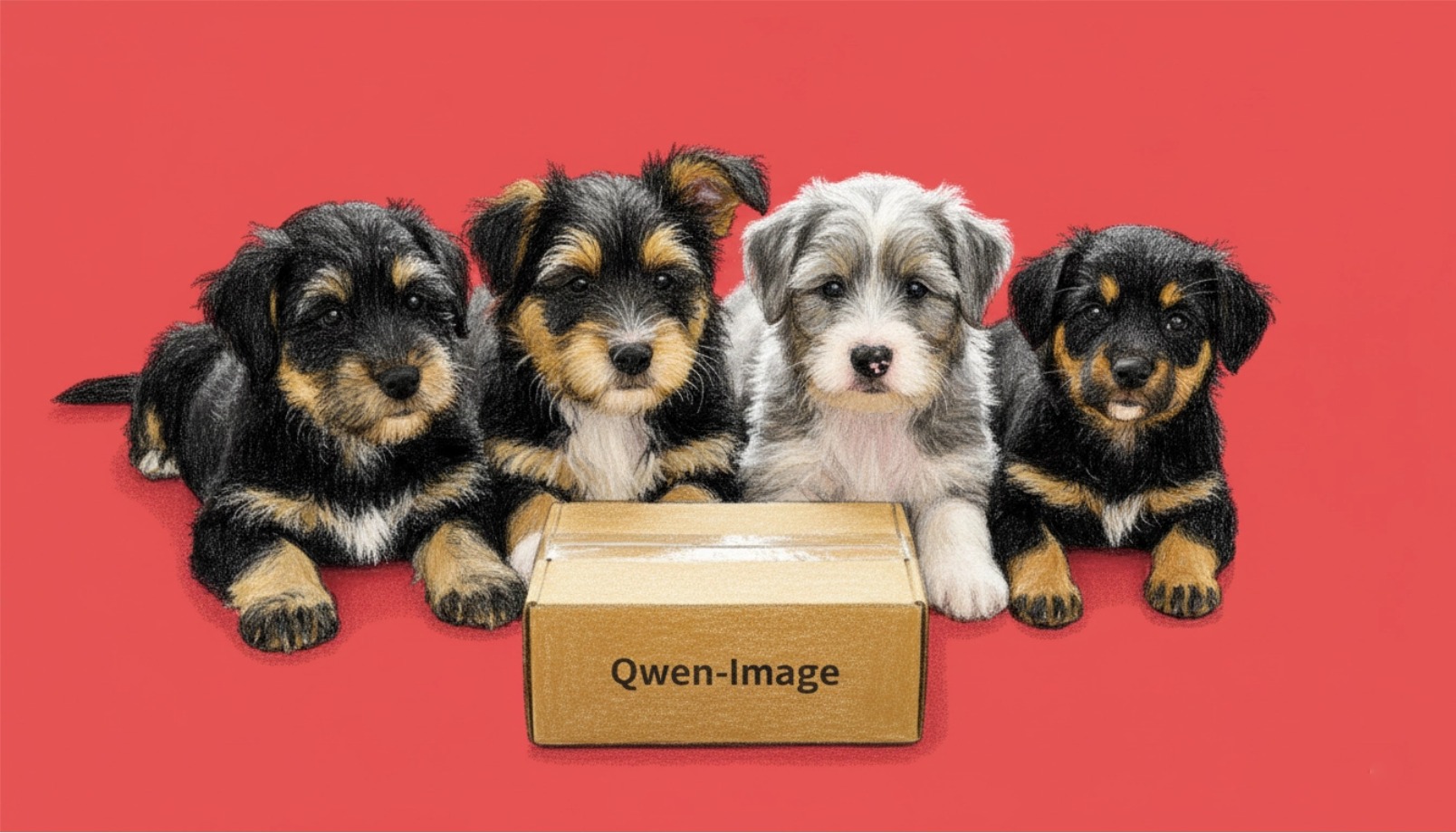
While open-source image generation models can quickly produce images, they often fall short in achieving ultimate realism, especially when handling portraits and complex natural scenes. Generated faces often have a "plastic" look or blurry features, and skin lacks realistic texture. For natural landscapes,**The model often appears stiff when depicting the delicate textures of water bodies and vegetation.**Furthermore, the model's performance is inconsistent when generating designs containing clear text, data charts, or complex layouts. These overly "AI-like" traces make it difficult for the images to meet the requirements of professional commercial use or artistic creation.
Based on this,**Alibaba's Tongyi Lab recently open-sourced its next-generation image generation model, Qwen-Image-2512.**This model is a major iteration of the Qwen-Image base model released in August 2025. Its features are very distinct, focusing on a leap forward in three core capabilities:
*** A more realistic sense of human nature:**It can accurately depict skin texture, hair direction, and even subtle facial expressions, completely eliminating the "plastic face".
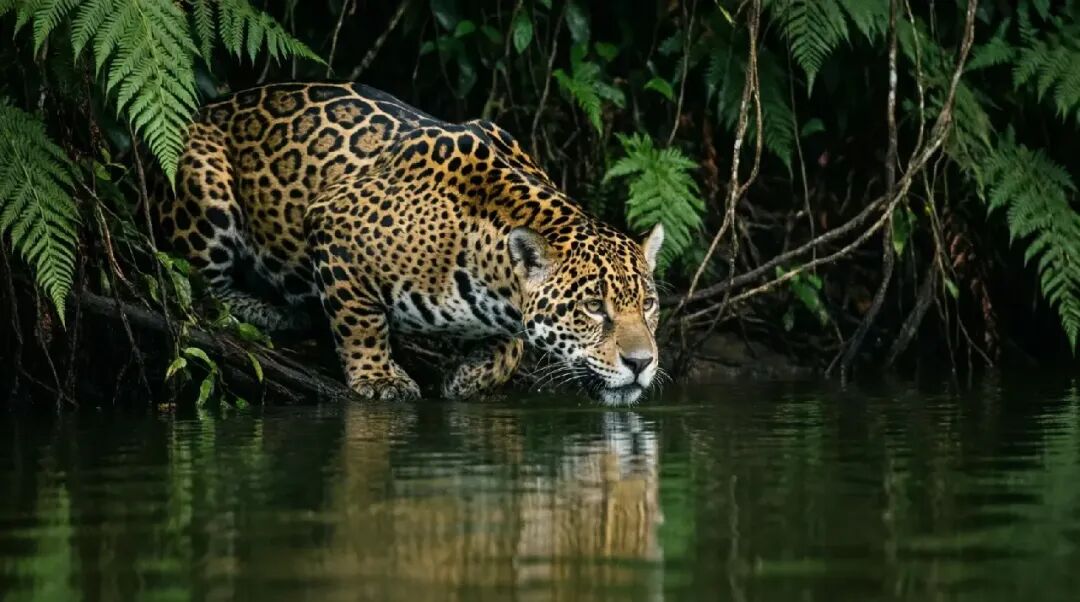
*** More delicate natural texture:**The details of natural elements such as water flow, animal fur, and plant surfaces are presented more realistically, greatly enhancing the immersive experience of the image.
*** Enhanced rendering of complex text:**It can not only generate clear text, but also directly create professional-grade infographics that include timelines, technical charts, and even multi-panel comics.
The innovation of Qwen-Image-2512 lies in its systematic optimization, which significantly bridges the gap between open-source models and top-tier closed-source models in terms of "realism" and "practicality." Technically, this multimodal diffusion Transformer (MMDiT) model with 20 billion parameters has demonstrated its powerful overall performance through over 10,000 rounds of blind testing on the AI Arena platform. Users can generate PPTs or infographics directly usable for presentations with just text commands, greatly expanding the application boundaries of AI image generation in professional design scenarios.
at present,**"Qwen-Image-2512: Generating More Realistic Portraits and Natural Landscapes" is now available on the HyperAI website (hyper.ai) in the tutorial section.**Unleash your boundless creativity!
Online experience:https://go.hyper.ai/29siB
Effect example:
 Demo Run
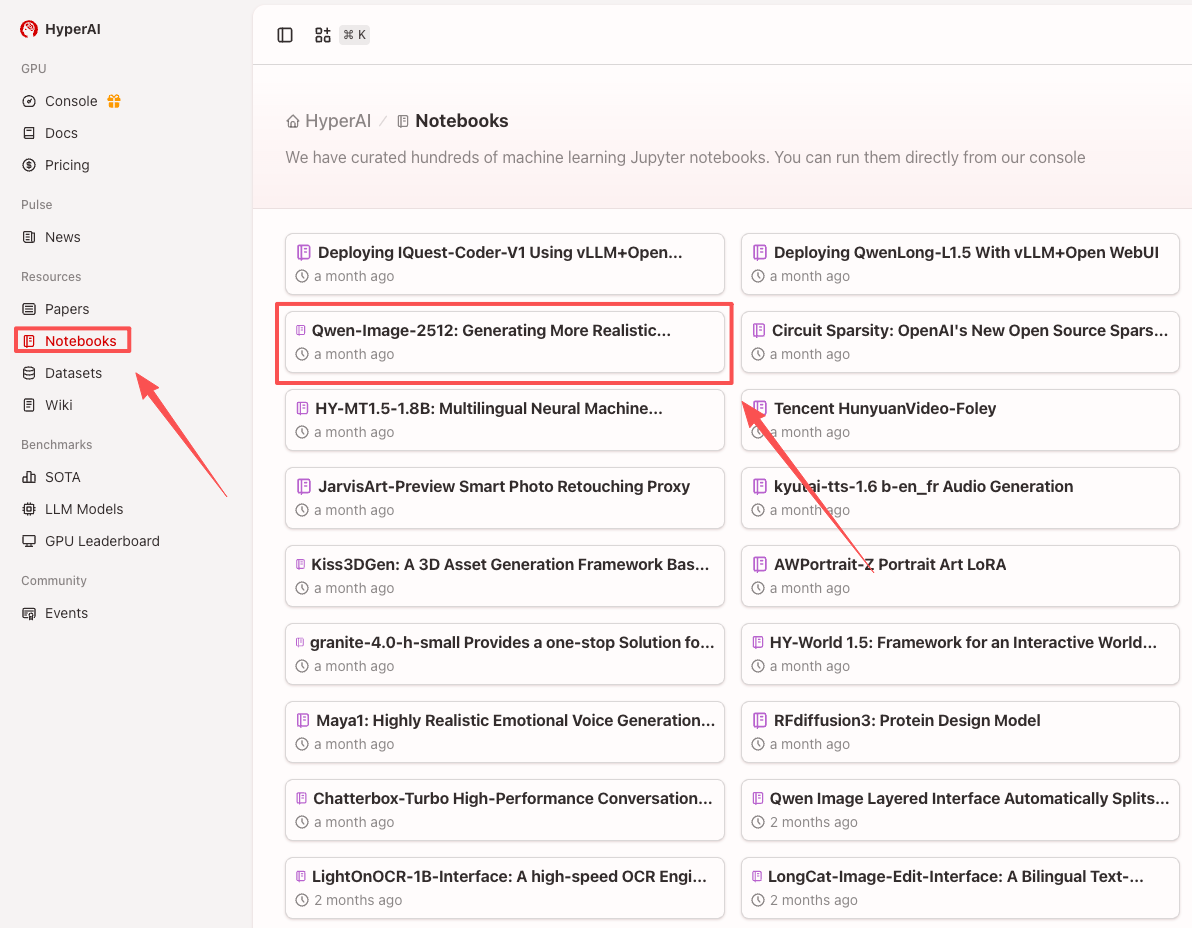
1. After entering the hyper.ai homepage, select "Qwen-Image-2512: Generating More Realistic Portraits and Natural Landscapes", or select it from the "Tutorials" page. After the page redirects, click "Run this tutorial online".
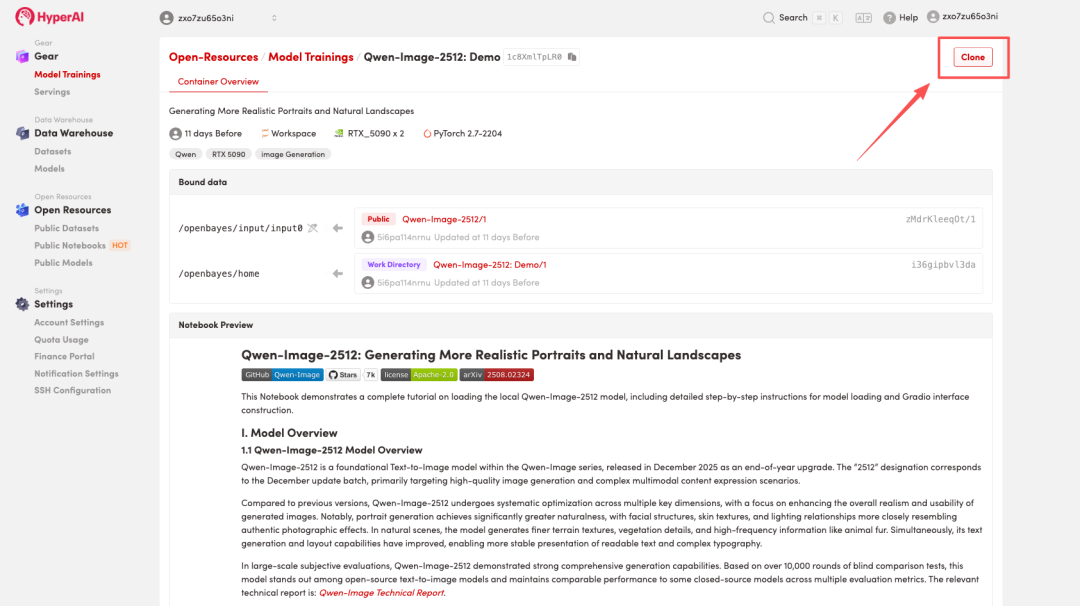
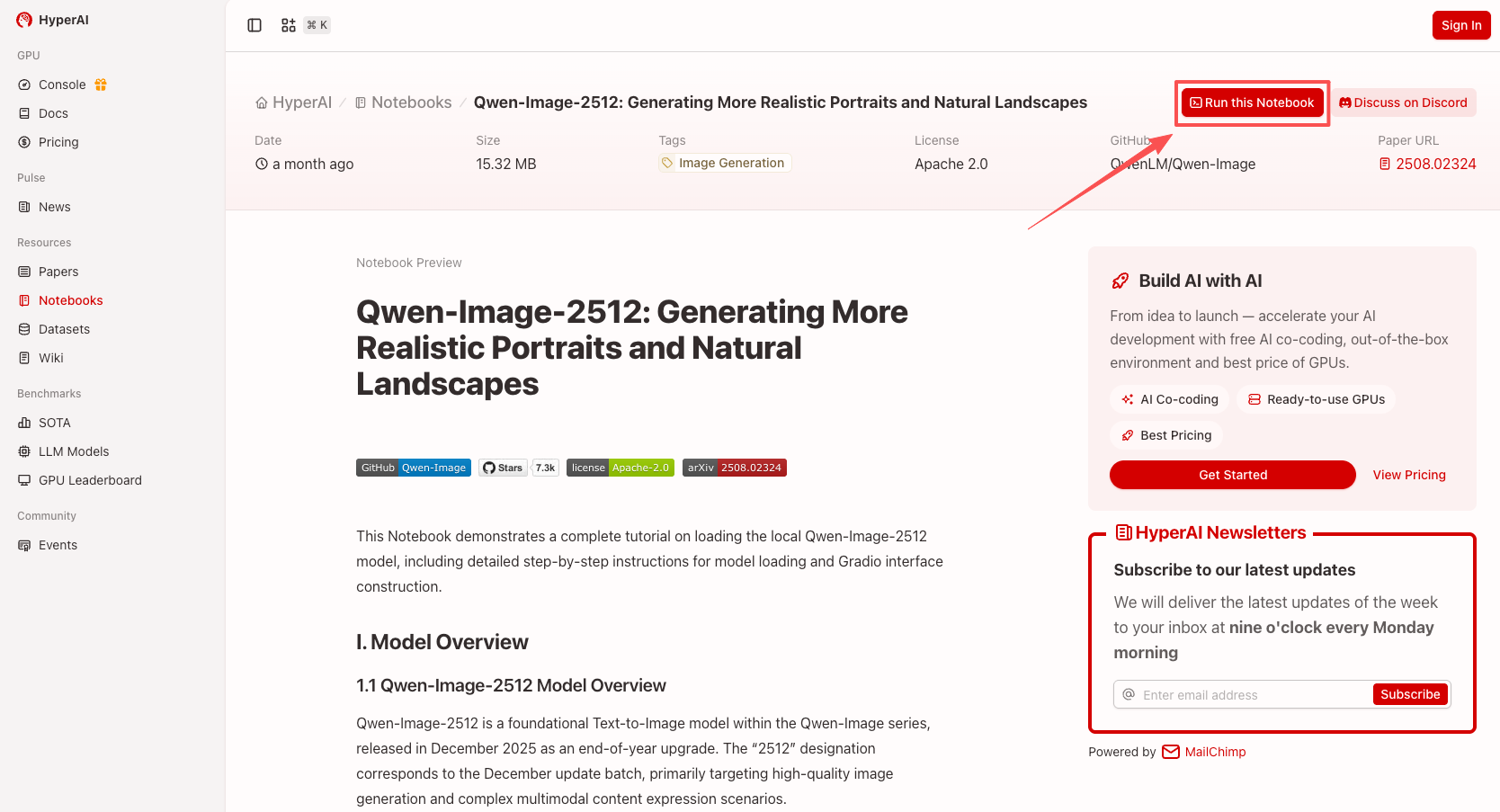 2. After the page jumps, click "Clone" in the upper right corner to clone the tutorial into your own container.
Note: You can switch languages in the upper right corner of the page. Currently, Chinese and English are available. This tutorial will show the steps in English.
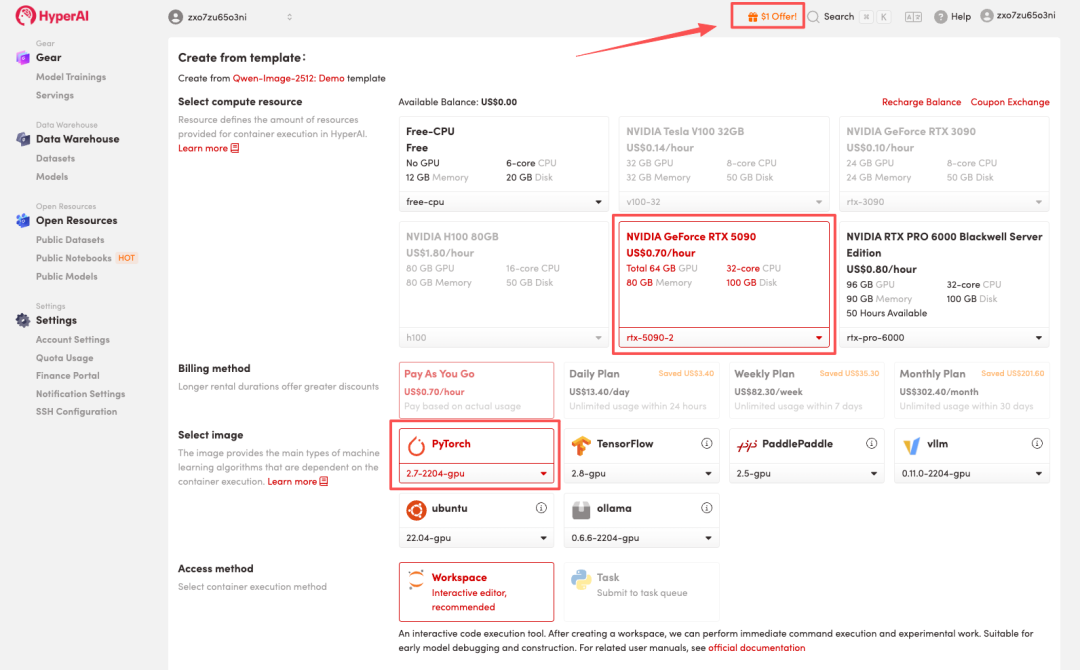
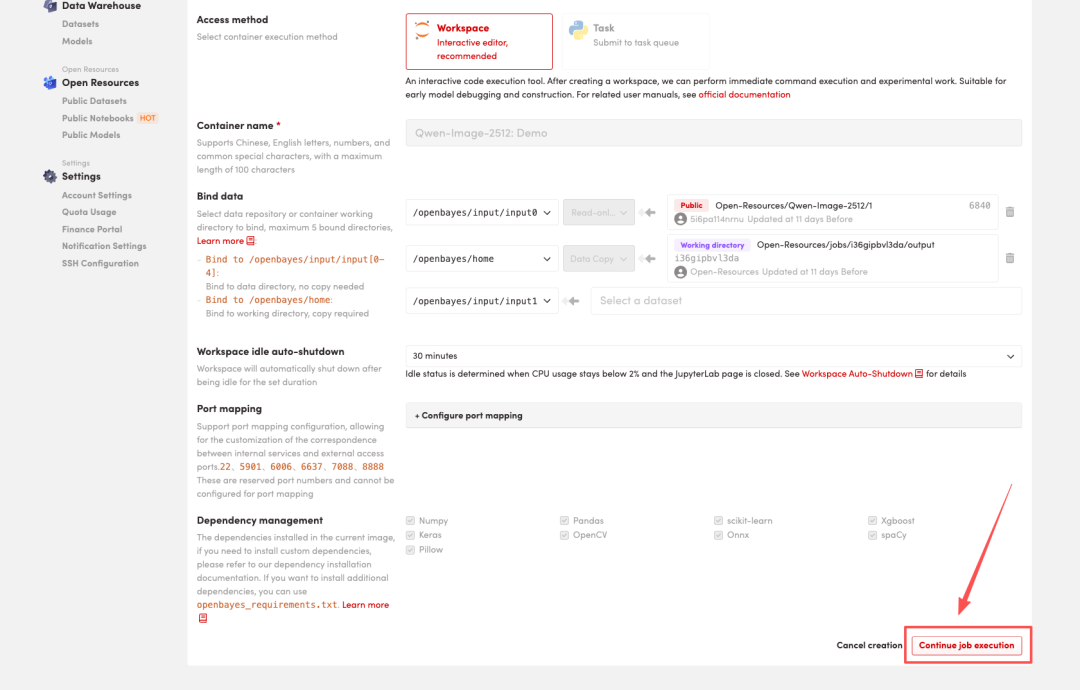
 3. Select the "NVIDIA GeForce RTX 5090-2" and "PyTorch" images, and choose "Pay As You Go" or "Daily Plan/Weekly Plan/Monthly Plan" as needed, then click "Continue job execution".
HyperAI is offering a registration bonus for new users: for just 1,youcanget20hoursofRTX5090computingpower(originallypricedat7), and the resources are valid indefinitely.
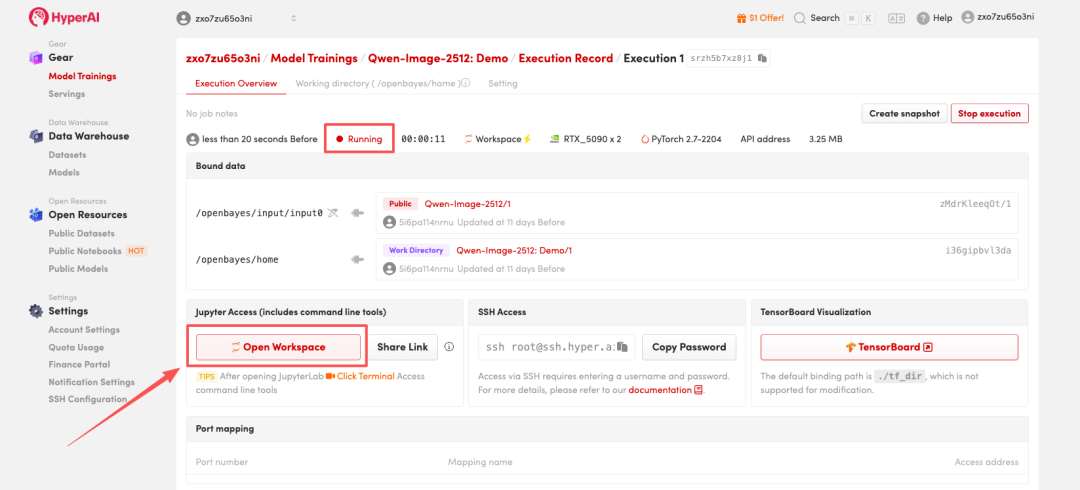
 4. Wait for resources to be allocated. Once the status changes to "Running", click "Open Workspace" to enter the Jupyter Workspace.
 Effect Demonstration
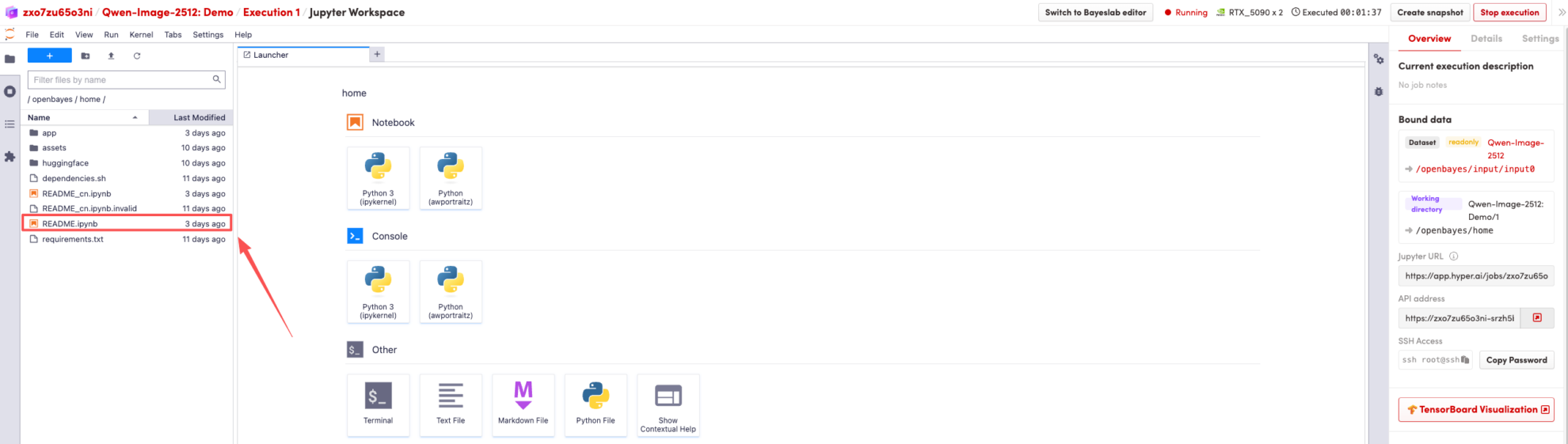
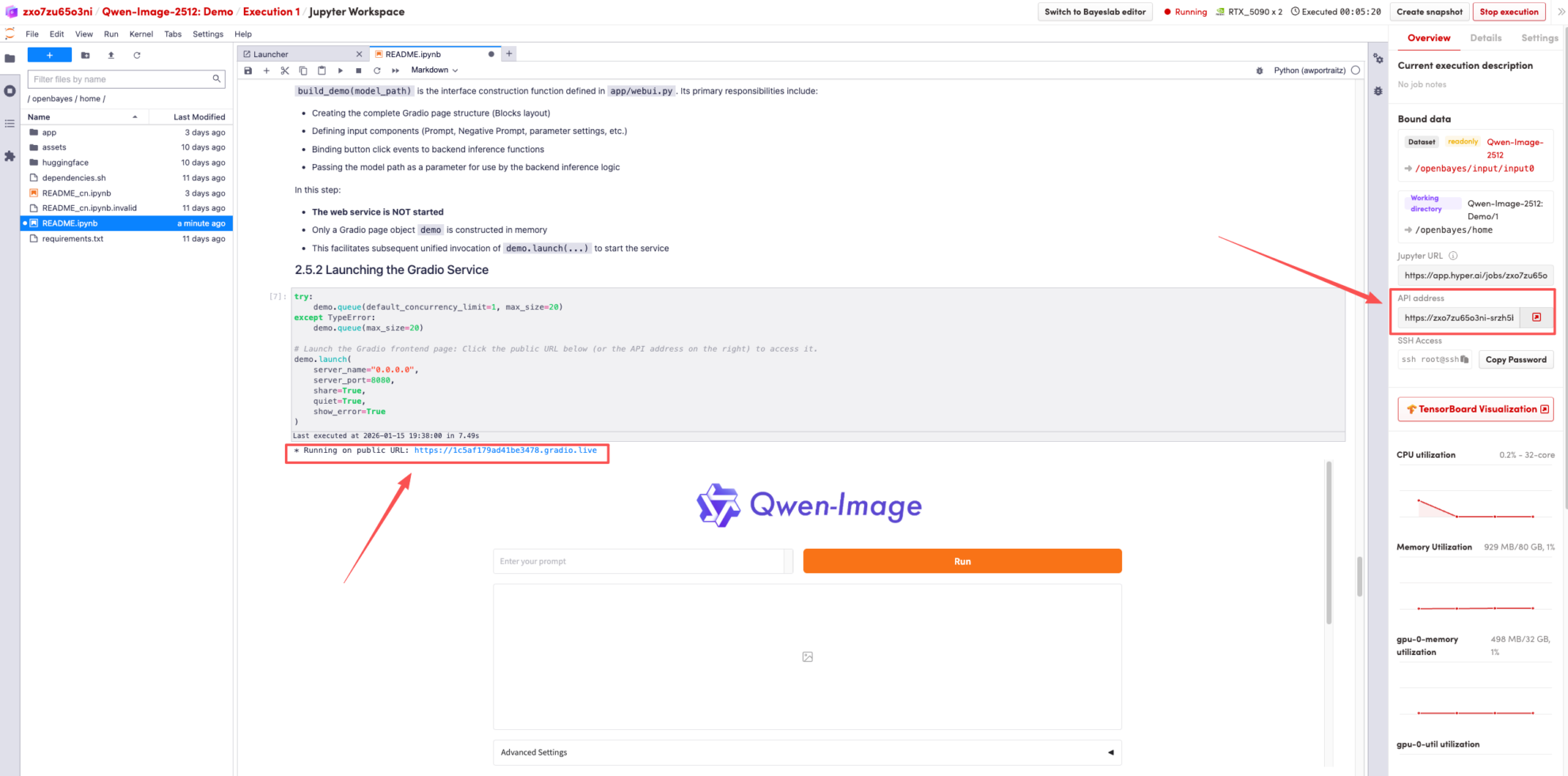
After the page redirects, click on the README page on the left, and then click Run at the top.
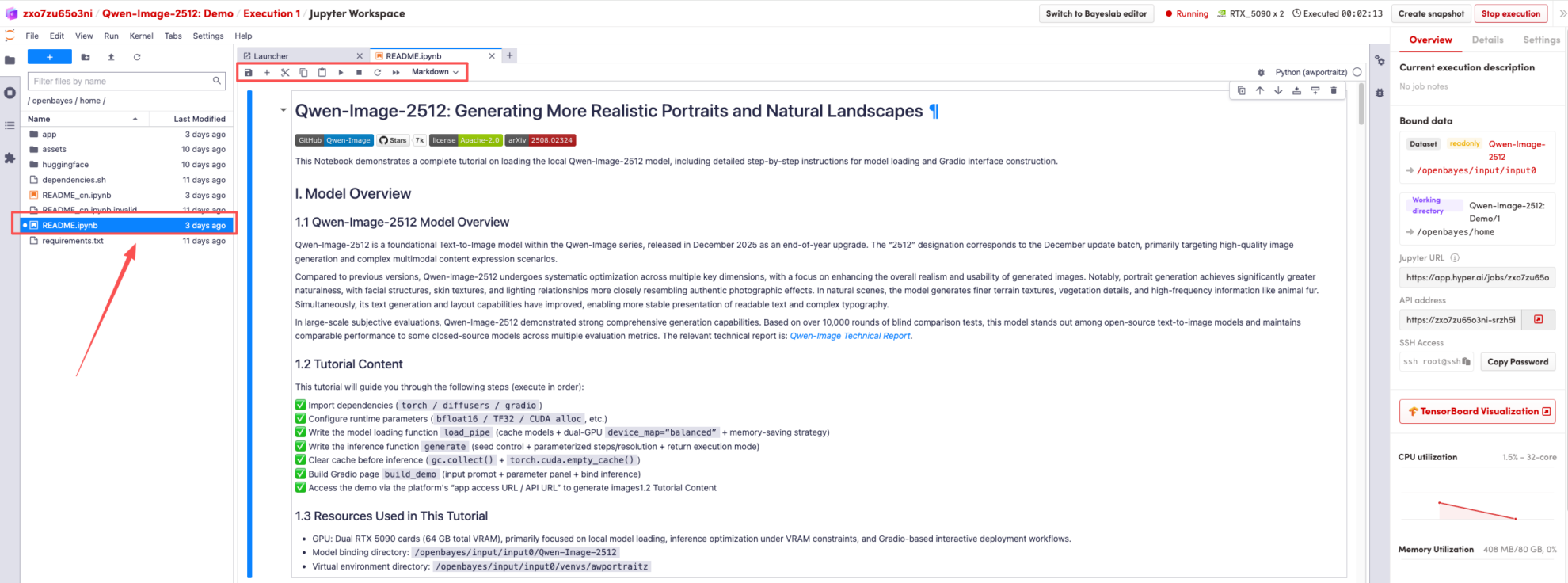 Once the process is complete, click the API address on the right to go to the demo page.
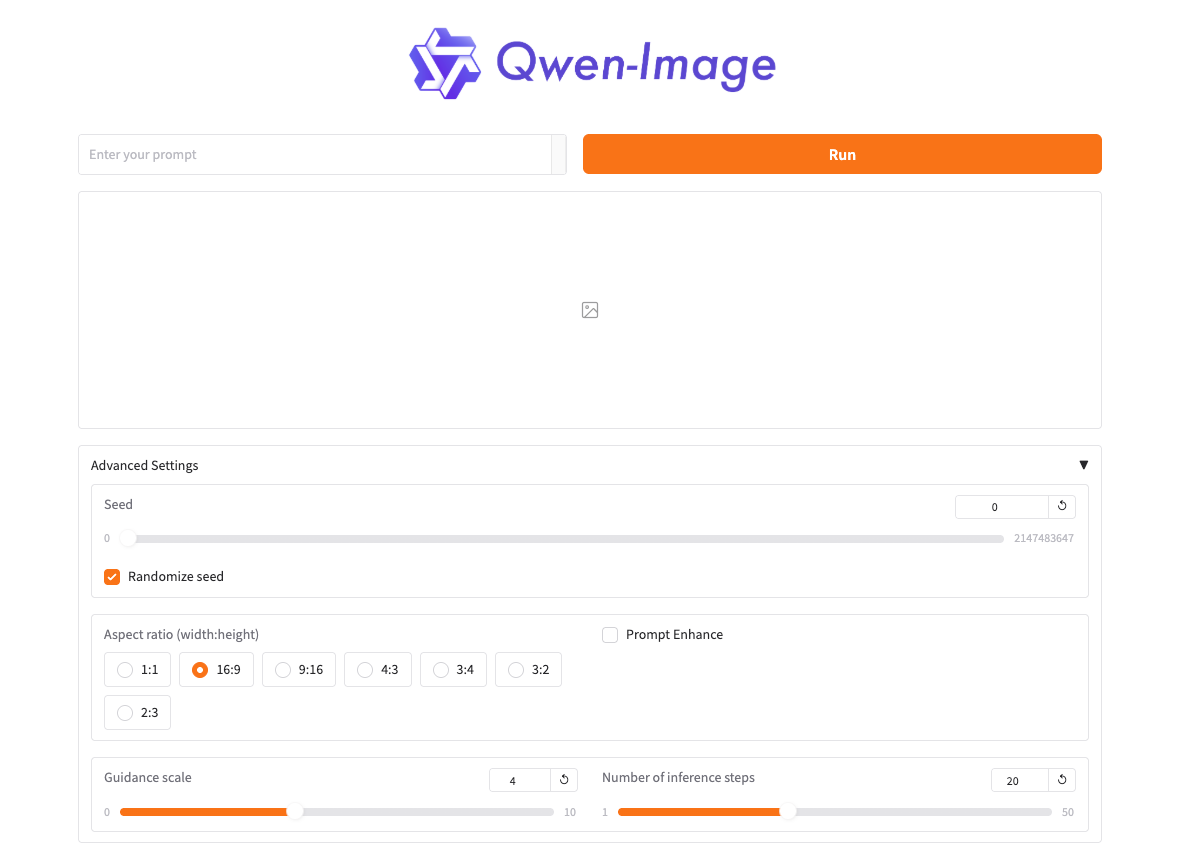 The above is the tutorial recommended by HyperAI this time. Everyone is welcome to come and experience it!
Tutorial Link: